
Residential security / Visual proposal
Smart home security.
Alarm. Alert. Respond.
Smart alarms, cloud visibility and a coordinated response plan for your home.
For homeowners and residential estates in Kenya
· ACR/SHS/2026-11/01 · v1.1
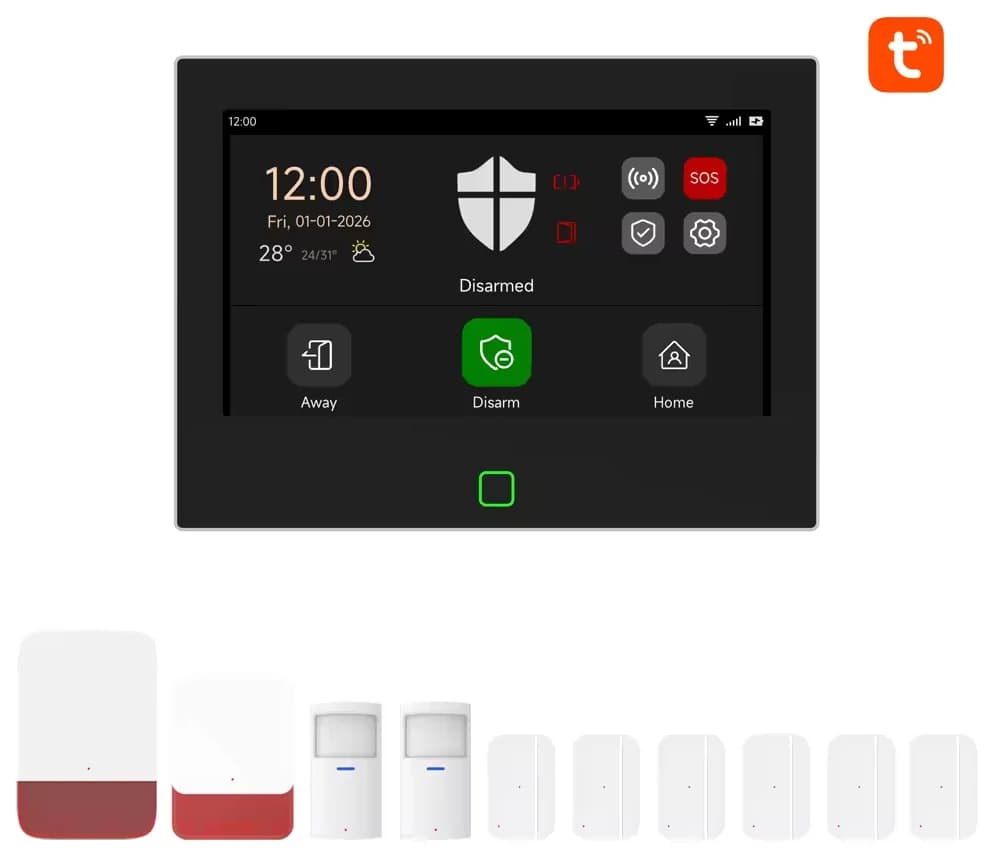
Your world. Connected. Working better.
01 / Control
Your home, under one control.
A touchscreen hub brings your alarm zones, household controls and supported remote alerts together.
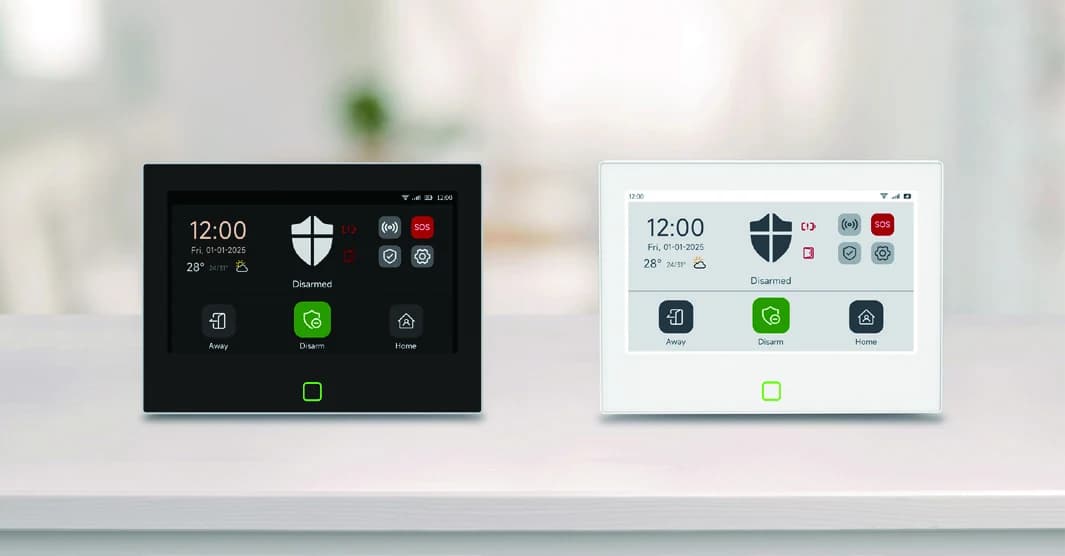
Arm simply
Choose Home, Away or Disarmed modes for the way the household uses the property.
Stay connected
Supported Wi-Fi and cellular models provide app alerts and agreed remote controls.
Expand the system
Add matched sensors, sirens and compatible wired zones as the design requires.

Designed as one system
Match the panel, accessories and monitoring receiver before ordering. Backup runtime is tested on the installed system.
02 / Detection and control
Detect entry. Spot movement.
Protect the right doors, windows and interior zones, with simple controls for authorised users.
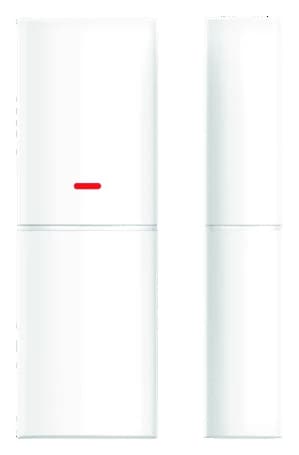
Door/window sensors
Report protected doors and windows opening while the system is armed.
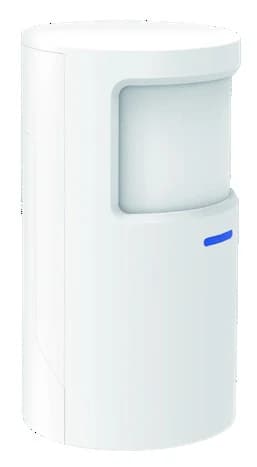
Motion detectors
Watch interior movement in agreed zones, with placement matched to the household.
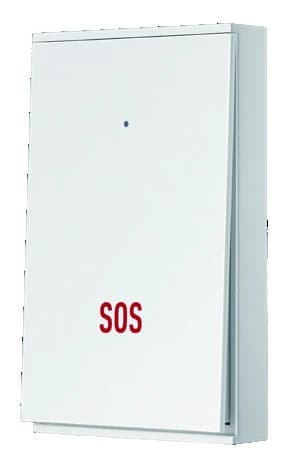
Panic / SOS button
Let residents raise an urgent alert under the agreed emergency response plan.
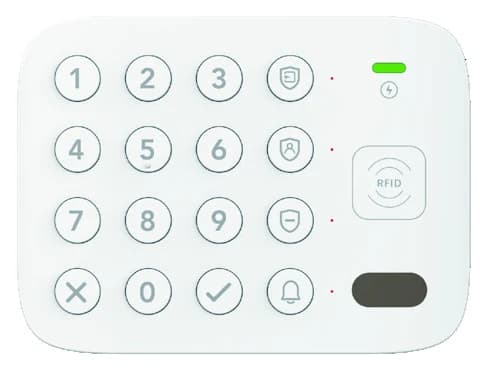
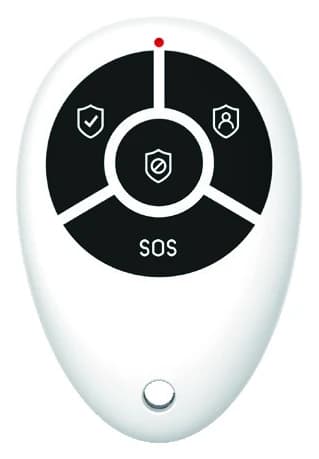
Keypad and remote
Provide convenient arming and disarming for authorised household members.
Catalogue visuals: pp.13–18. Select one compatible radio family for the hub and accessories.
03 / Warning and safety
Make alerts hard to miss.
Combine an on-site warning with supported notifications. Safety detectors are selected for the property.
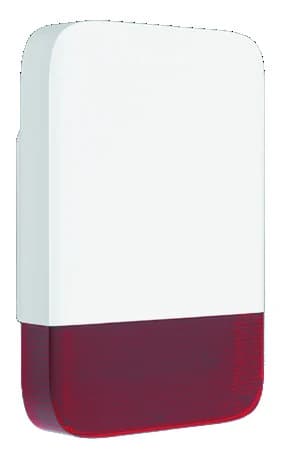
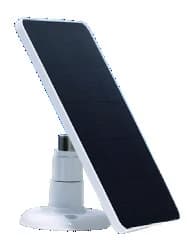
Outdoor siren
Provide an external audible/visual warning. Solar charging is optional on compatible models.
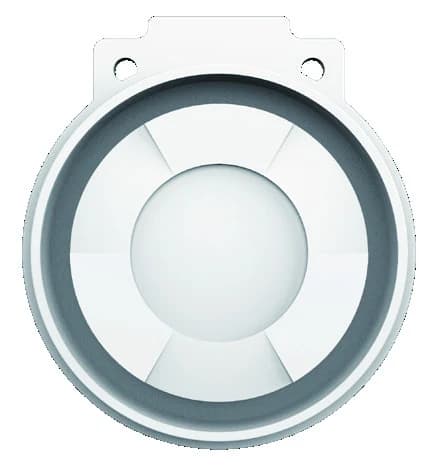
Indoor siren
Give occupants a clear local warning when the configured alarm rule is triggered.
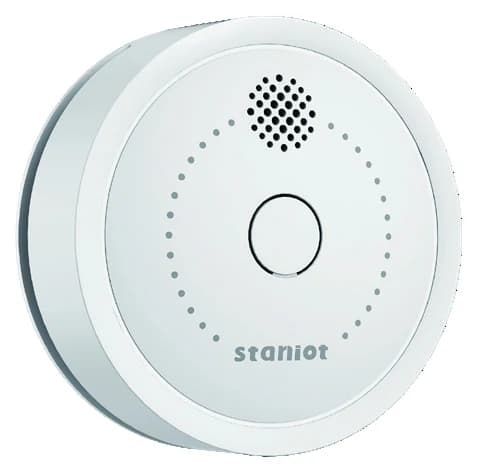
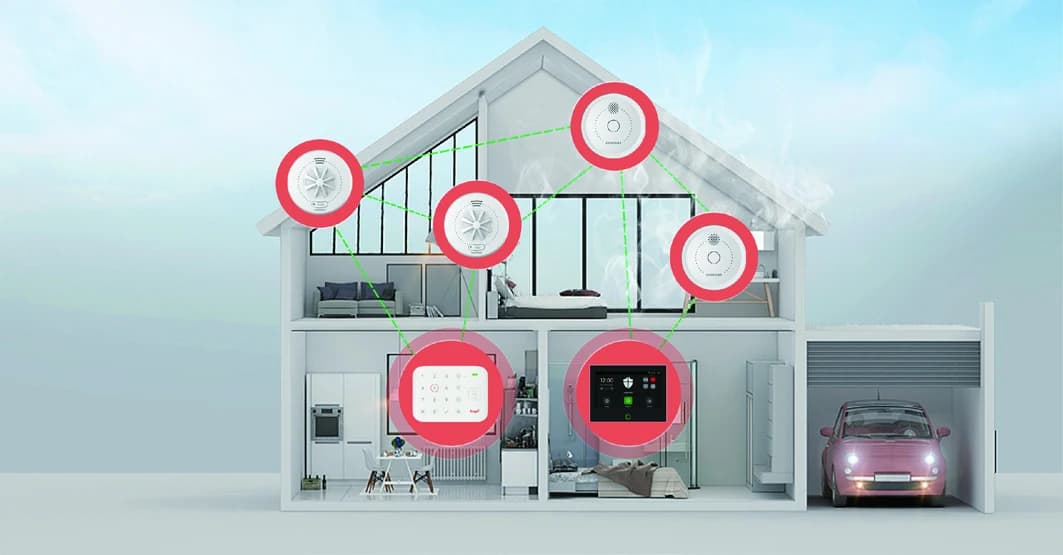
Smoke detection
Add local smoke alerts and supported remote notifications under the site safety plan.
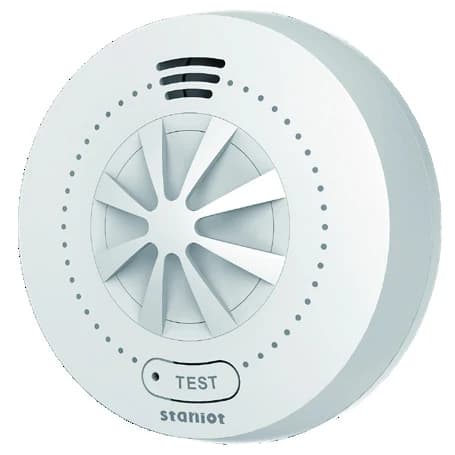
Heat detection
Add heat detection in suitable locations, selected and installed under the site safety plan.
Catalogue pp.19–20, 23–24. Match devices and approvals to the final design.
04 / Perimeter and video
Protect the boundary.
Extend the alarm design to perimeter zones and selected camera views.
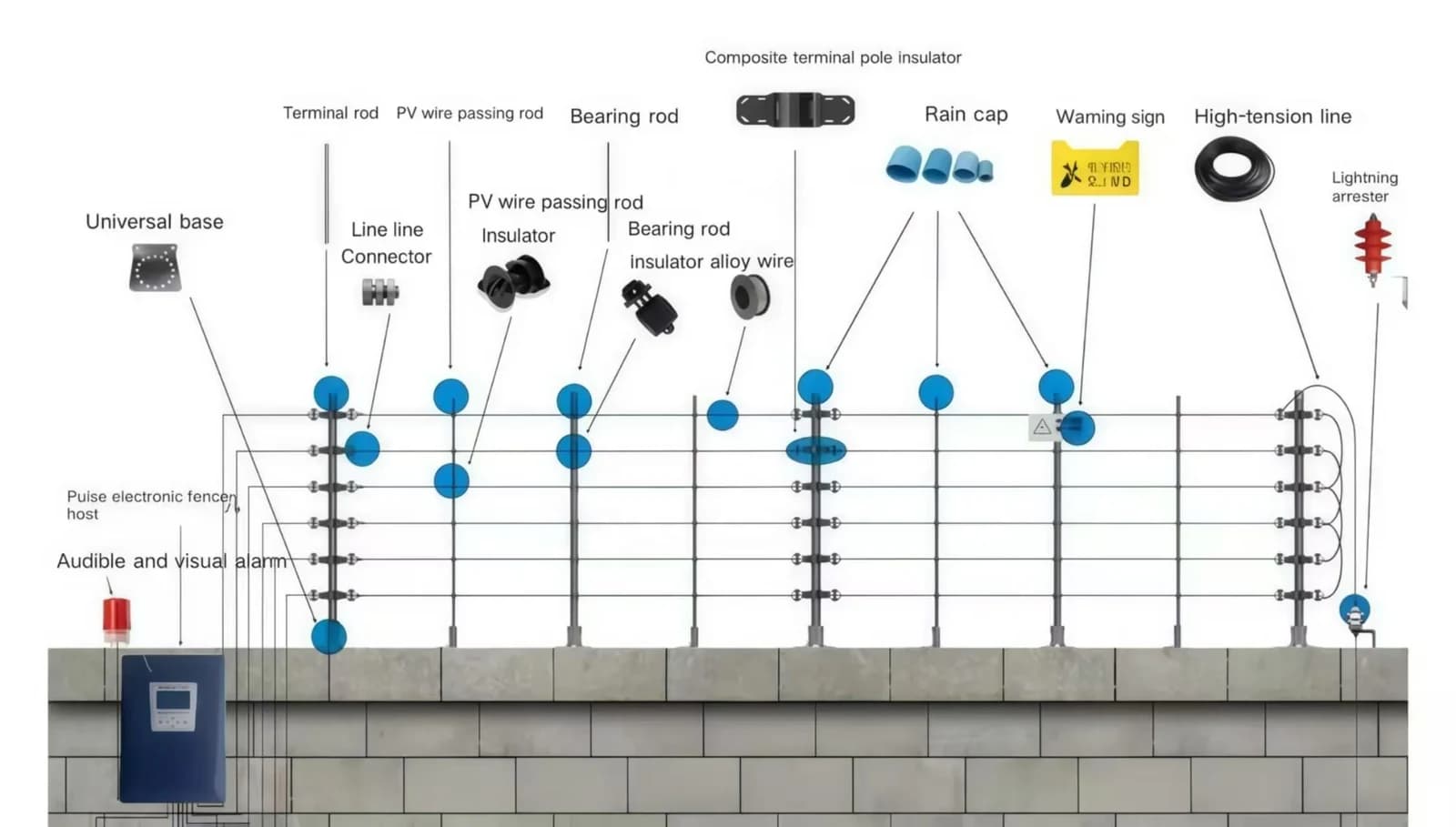
Electric fence and perimeter alarms
A surveyed pulse-fence design can connect supported fault/tamper outputs to the alarm system. Installation, earthing and protection are designed for the site.
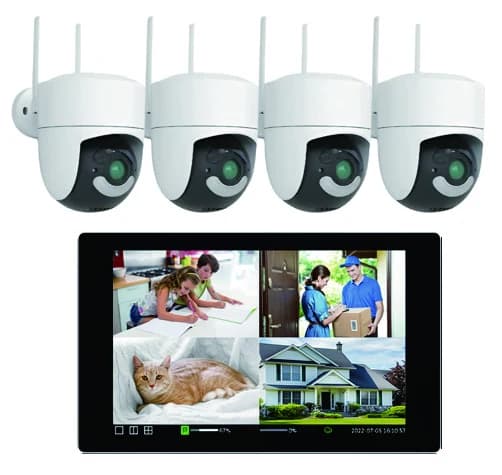
CCTV / NVR option
See agreed entrances and external areas.
Record locally and share authorised incident clips with the monitoring partner. Access and retention rules are agreed before activation.
05 / Cloud integration
Cloud-connected security.
Two coordinated routes: homeowner alerts and a professionally managed monitoring service.
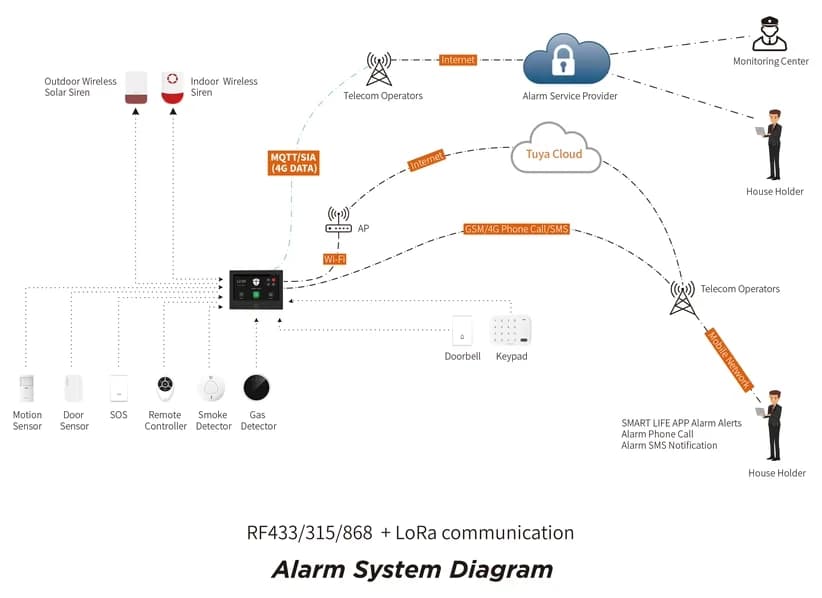
Homeowner app
Supported Smart Life alerts and status views keep residents informed.
Partner monitoring
Proven SIA/IP or approved event delivery connects alarms to the partner CMS.
Contact alerts
Panel SMS/voice calls are optional, subject to model, operator and mobile plan.
Professional monitoring is separately contracted. Prove receiver compatibility before activation.
06 / Monitoring and response
A coordinated response.
An appointed security partner connects alarm receipt, verification and the agreed response team.

Receive and acknowledge
The monitoring centre records the site, zone and event in an incident ticket.
Verify the alarm
The operator follows the agreed callback or authorised video-verification procedure.
Dispatch and update
The partner dispatches the agreed crew and records response status updates.
Attend and close
Responders record findings; the monitoring team closes the incident and reviews follow-up actions.
Partner, coverage and response targets to be agreed. No arrival time is guaranteed.
07 / Scope and next steps
A clear plan to get started.
Begin with a site survey, then approve the equipment, integration and service package.
Survey
Map entry points, power, connectivity, privacy and responder access.
Design and quote
Confirm models, quantities, partner coverage and one-off/recurring costs.
Install and prove
Test alarms, backup power, both links and monitoring acknowledgement.
Train and support
Hand over user access, the response plan and agreed maintenance.
Final scope and KES pricing follow the survey. Appoint a suitably licensed response partner with confirmed site coverage. Catalogue images are representative; they do not establish cross-device compatibility.
Keep the full visual proposal.
The same eight-part proposal, ready to share. PDF · 2.8 MB.